Wallmount and cable lock
The Wallmount is the wiring base that stays on the wall. Your Enua Charge / Charge E clips onto it and locks in place electronically — so the charger can be removed for service, while the wiring stays put. The Wallmount itself is mounted and wired by an electrician; see Installing the Wallmount.
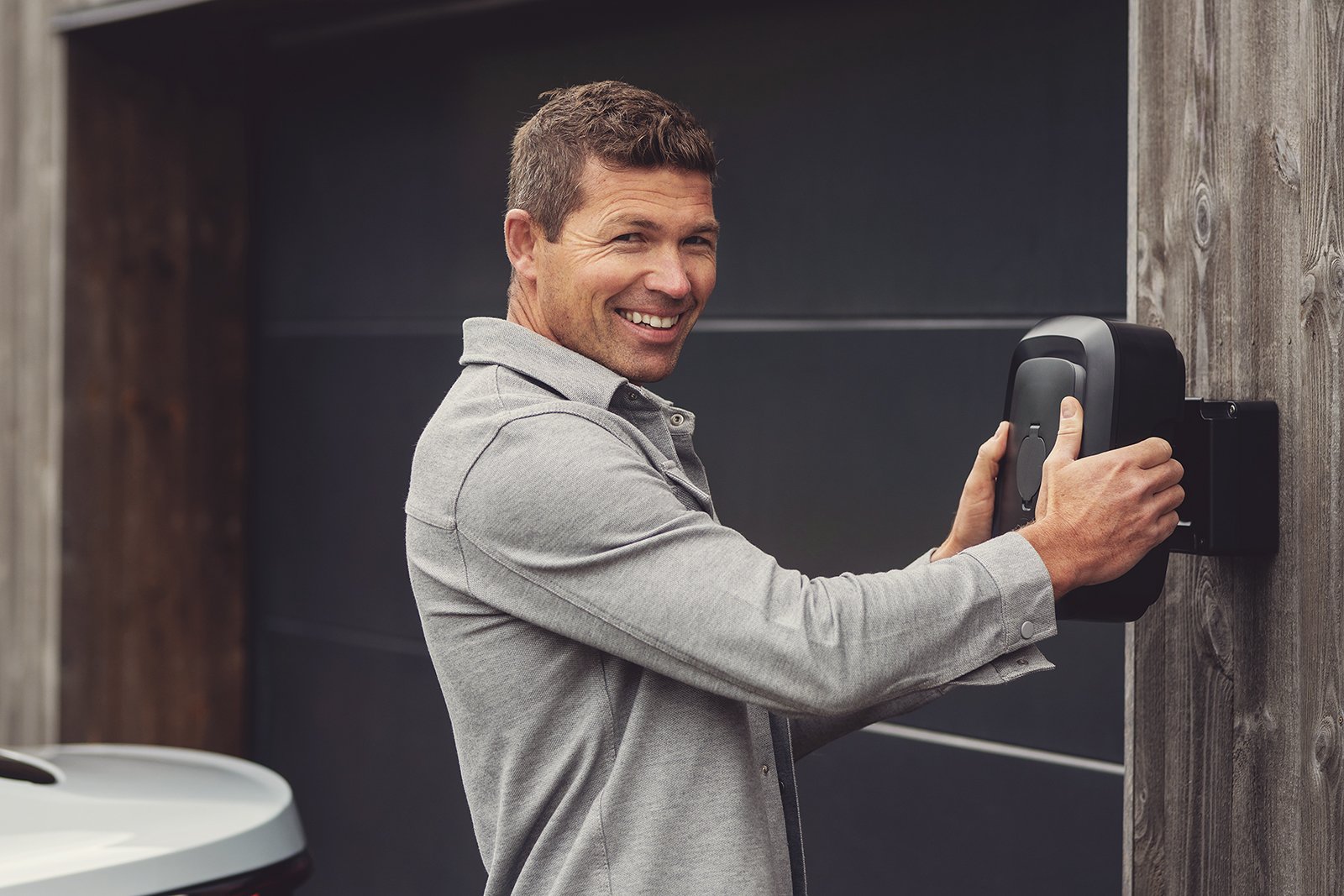
Remove the charger from the Wallmount
You release the charger from the app or enua.cloud — there is no physical key.
- Open your charger in the Enua app or on enua.cloud.
- Open the Controls tab and, under Wallmount lock, press Unlock.
- Wait for the LED ring to pulse white — this means the lock is open.
- Pull the charger straight towards you, wiggling gently from side to side if needed.
Note
If the charger won't release: press it firmly into place and check for obstructions around it, then try Unlock again. If it still won't open, on enua.cloud open the station's Controls tab → under Wallmount lock, Lock → Calibrate, wait about 20 seconds, then Unlock. Contact us if it persists.
An oversized or non-original grommet can push the charger out and jam the lock — see common mistakes when installing the Wallmount.
Lock the cable permanently (Permalock)
Permalock keeps the charging cable locked into the charger so it can't be unplugged or taken — useful for shared, semi-public, or outdoor installations where you want a fixed cable.
When Permalock is enabled, the Type 2 plug stays locked in the charger at all times; you only unplug at the car. It's a setting on the charging station, turned on by the owner or operator. Contact us if you'd like it enabled or disabled on your charger.
Related
- Installing the Wallmount — for electricians.
- What the lights mean — including the pulsing white "lock open" ring.
- FAQ — what to do if the charger won't unlock.