Access control
Access control decides who is allowed to start a charging session. When it's enabled, the charger waits for authorization after you plug in — the LED ring turns yellow — and charging only begins once the session is approved.
How a session is authorized
When access control is on, a session can be started in any of these ways:
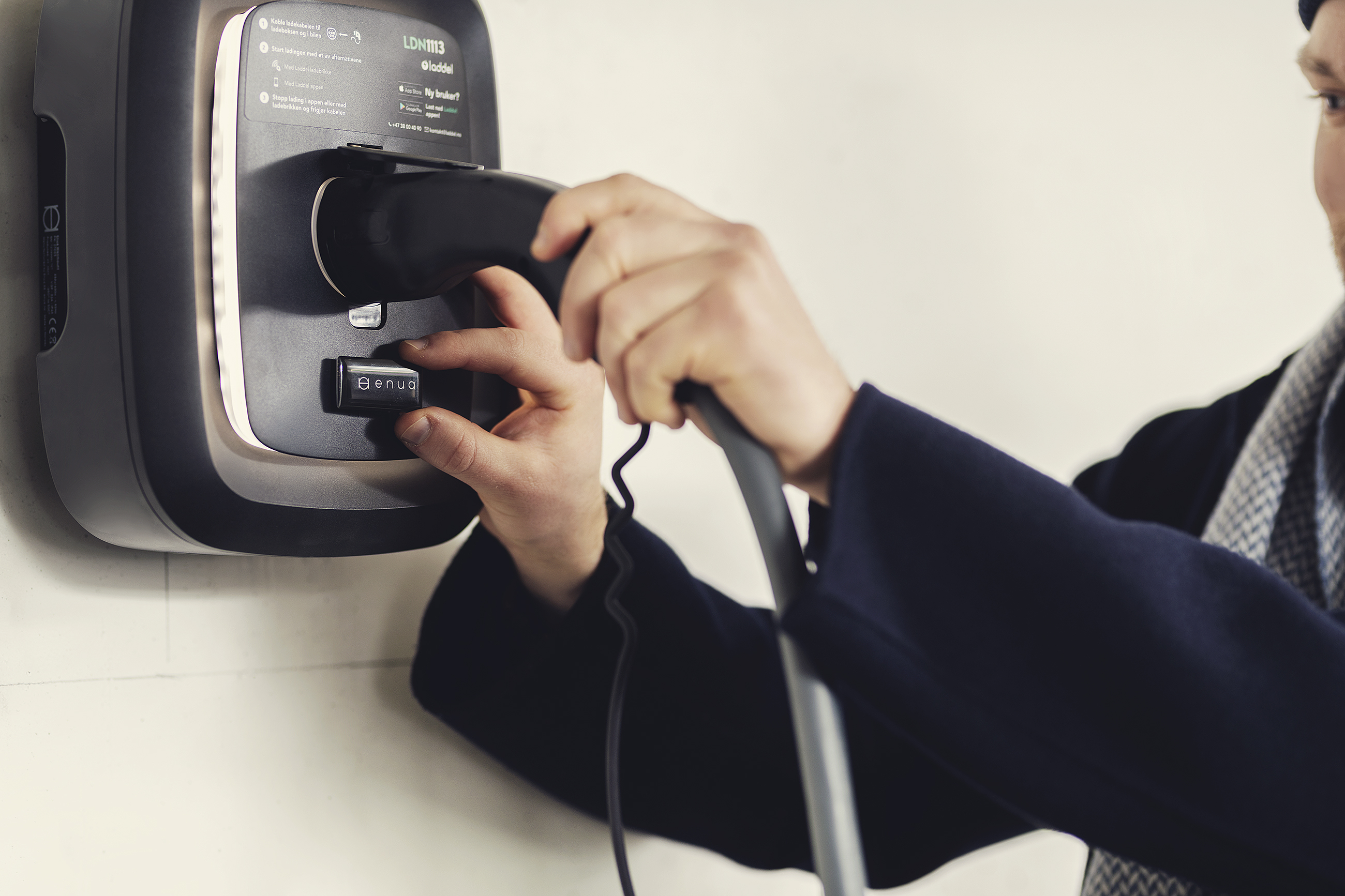
Charging tag (RFID / NFC). Hold the tag against the Enua logo on the front of the charger. A short beep confirms it was read.
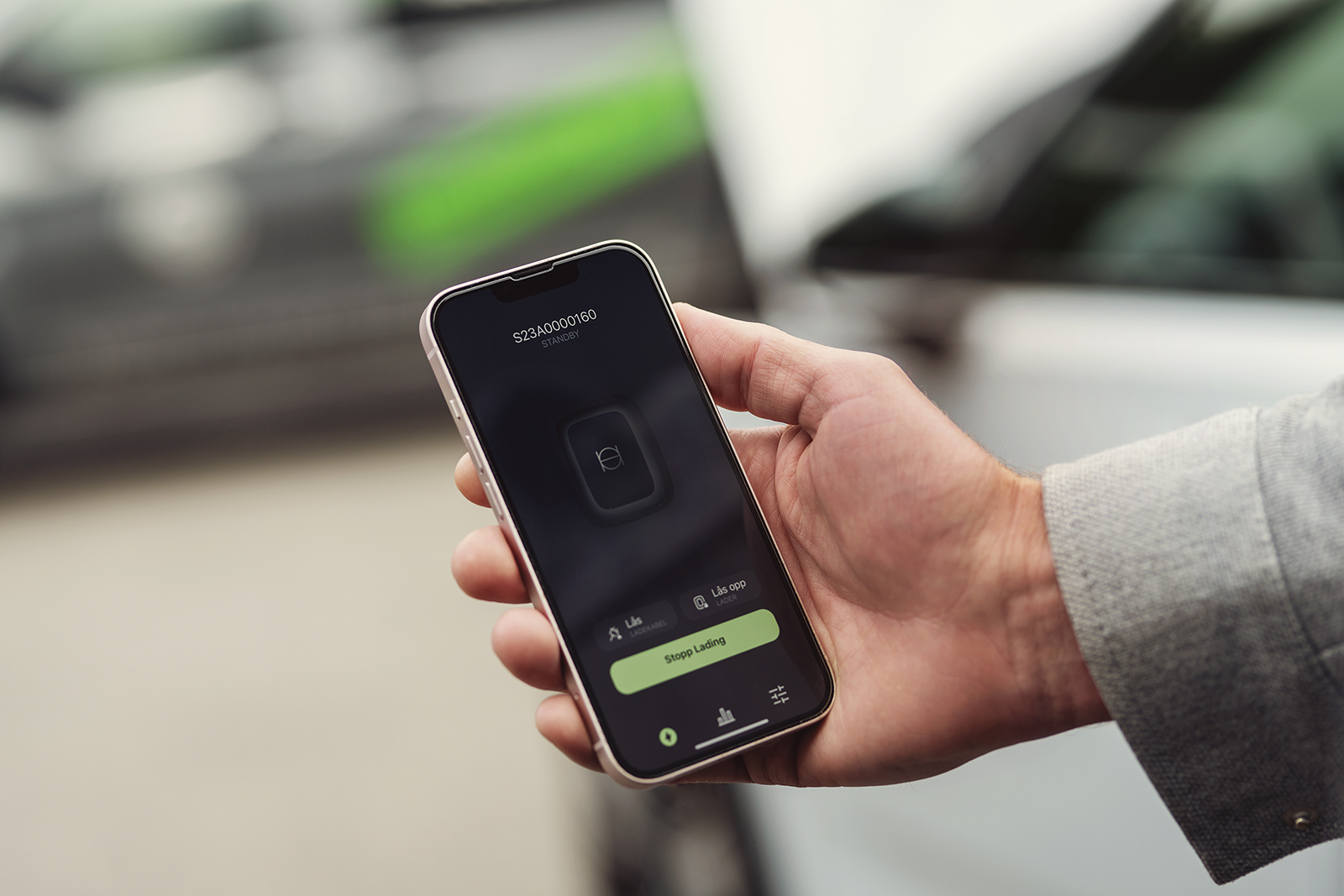
The Enua app. Open your charger in the app and tap Start charging. When access control is on, the app shows Access control enabled below the button.
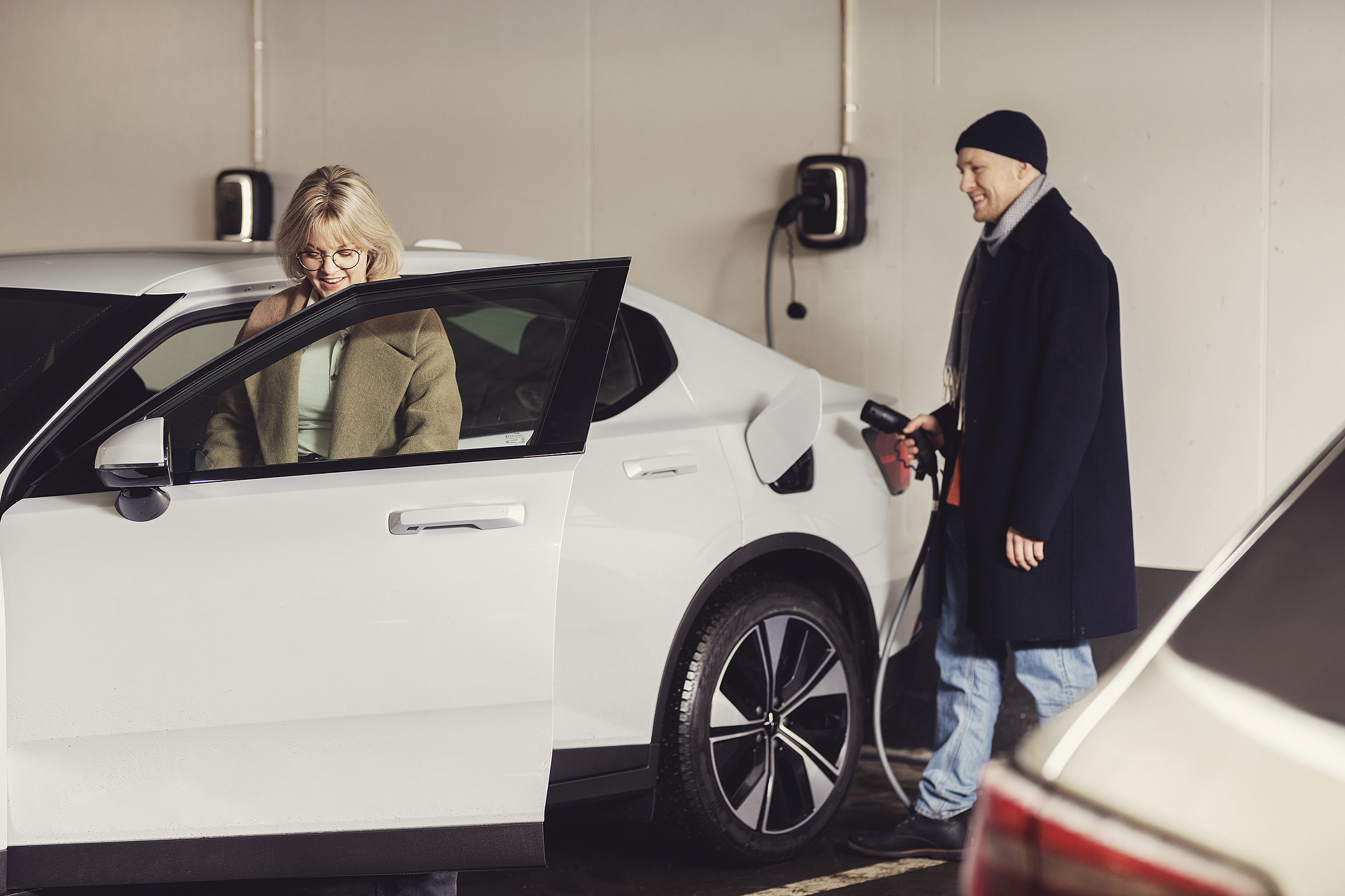
Autocharge. The charger recognises your registered car automatically when you plug in — no tag or tap needed. The car appears as Active and the session is authorized for you.
Charging tags
Create a tag. In the Enua app: Settings → Sharing and Access → My Charging Tags → Register Tag.
Which tags work? Most NFC and RFID tags work — register one and test it; if the charger beeps, it's compatible. For guaranteed compatibility, use Enua's own charging tags.
Share access with other people
There are two ways to let other people charge: invite them so they charge under their own account, or hand out charging tags that you manage yourself.
Invite someone to charge under their own account
- In the Enua app: Settings → Sharing & Access → Share Chargers or Share Facilities.
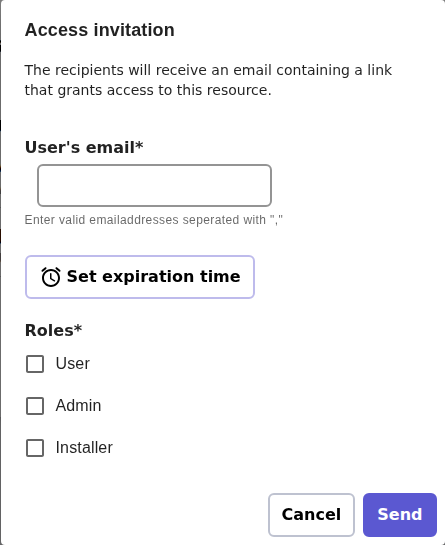
- On enua.cloud: open the facility and use the Access tab → Add user. To share just one charging station, open it under Charging stations and use that station's own Access tab → Add user.
Access set on a facility applies to all its chargers; a single charger's Access tab can override or add to that.
Tip
Once you've shared access with someone, they can start charging with the Enua app, with any NFC tag registered on their own account, or with Autocharge. They manage their own tags — you don't have to hand any out — and each session is logged to their account.
When you invite a user on enua.cloud you assign one or more roles (they can be combined), which set what that person is allowed to do:
| Role | What they can do |
|---|---|
| User | Start and stop charging and see their own sessions. The everyday role for drivers. |
| Installer | Everything a User can, plus configure the charger during installation. |
| Admin | Full control: manage the facility, invite or remove people, and assign roles. |
Access is granted by email invitation — you don't create an account for anyone. Each person uses their own Enua account: the recipient gets a link by email and signs in with their account (or creates one free in the Enua app or on enua.cloud) to accept. You can optionally set an expiry date.
Hand out tags you manage yourself
You don't have to give someone their own account for them to charge. Instead, register charging tags on your own account and give each one a nickname that says who holds it (for example "Front desk" or "Leo"). Anyone holding that tag can charge, and every session shows up under your account with that nickname — useful when the people charging don't need an Enua account of their own.
Register and rename tags under Settings → Sharing & Access → My Charging Tags → Register Tag.
Examples
A workplace — Maria, the office administrator Maria is an Admin for the company facility on enua.cloud and adds each employee as a User. David charges with the Enua app on his phone, while Priya registers an Enua charging tag on her own account and taps it on the charger. Either way, each session is logged to that employee's account.
A family — Tom, at home Tom shares his home charger with his household. His partner Sara gets her own access as a User and starts charging from the app — or just plugs in, since she's set up Autocharge. Their teenager Leo doesn't use the app, so Tom registers a tag on his own account, nicknames it "Leo", and hands it over — Leo just taps to charge.
A small fleet — one shared account A delivery company keeps all access on the manager's account. The manager registers one tag per vehicle and nicknames them "Van 1", "Van 2", and so on, so every session is easy to recognise without giving each driver their own Enua account.
Charging without authorization
A facility can also be set up so that no authorization is required — anyone who plugs in can charge, with no tag or app tap. This is a setting on the facility, configured by the owner or operator. With access control switched off there is no yellow "requires authorization" step.
Related
- Autocharge — start charging automatically by just plugging in.
- What the lights mean — including the yellow "requires authorization" ring.
- FAQ — charging tags, sharing, and transferring ownership.